How to Download the Tredixo App & Create Your Account

Are you ready to start trading with Tredixo? Follow this step-by-step guide to download the Tredixo app and create your account so you can begin trading quickly and easily.
Step 1: Go to Google Play Store
The first step to accessing Tredixo is to open the Google Play Store on your Android device. If you're not familiar with Google Play, it's the app store for Android devices where you can find millions of apps, including Tredixo.
🔍 In the search bar, type "Tredixo" and press enter.
Tredixo is a reliable trading platform that is available for free on the Play Store. Click on the Tredixo app to go to its page.

Step 2: Download & Install the App
Once you’re on the Tredixo app page in the Play Store, tap the Install button. The app will start downloading and installing automatically on your Android device.
It’s important to make sure you have enough space on your device to download the app. The Tredixo app is lightweight, so it should download quickly if you have a stable internet connection.

Step 3: Open the Tredixo App
Once the app is installed, you’ll see the Open button. Tap on it to launch the Tredixo app. Alternatively, you can find the Tredixo icon on your home screen or in the apps drawer of your device and tap it to open the app.

Step 4: Sign Up for an Account
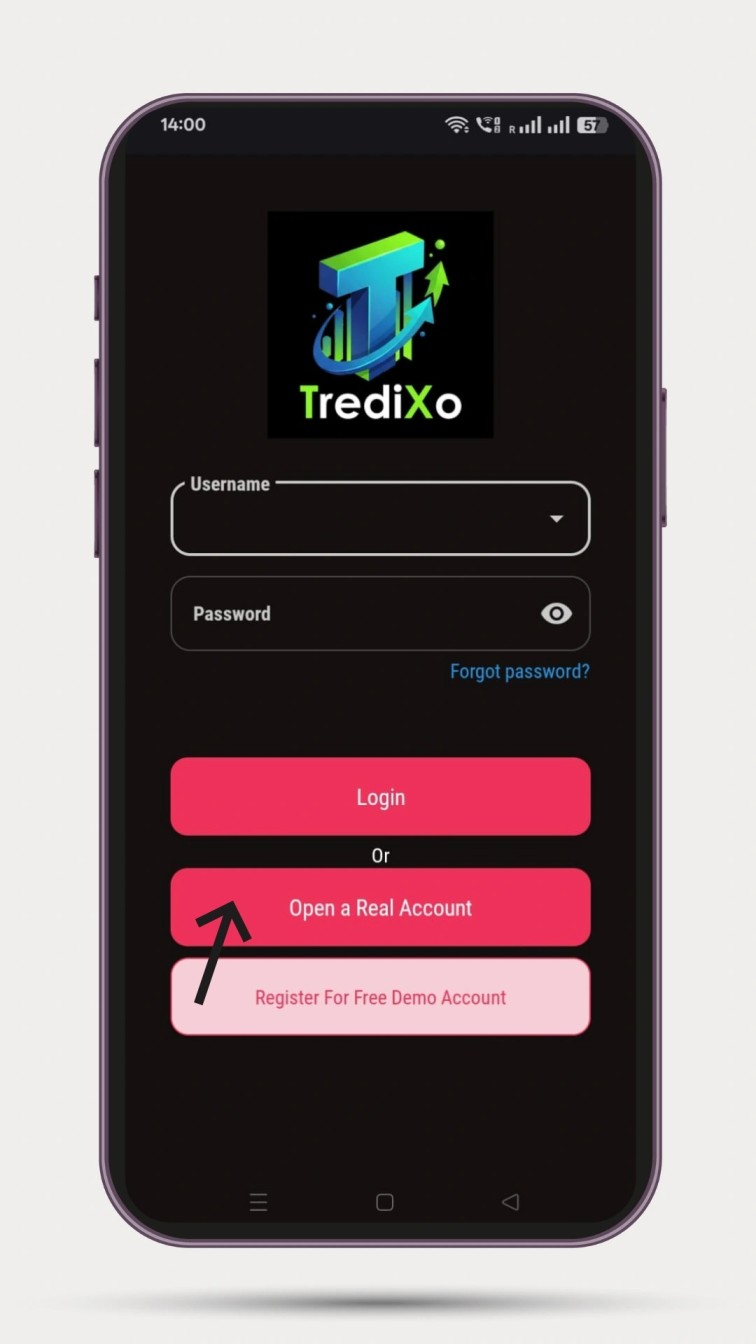
To get started with Tredixo, you need to create an account. Follow these steps to sign up:
- Tap on the “Open a Real Account” button.
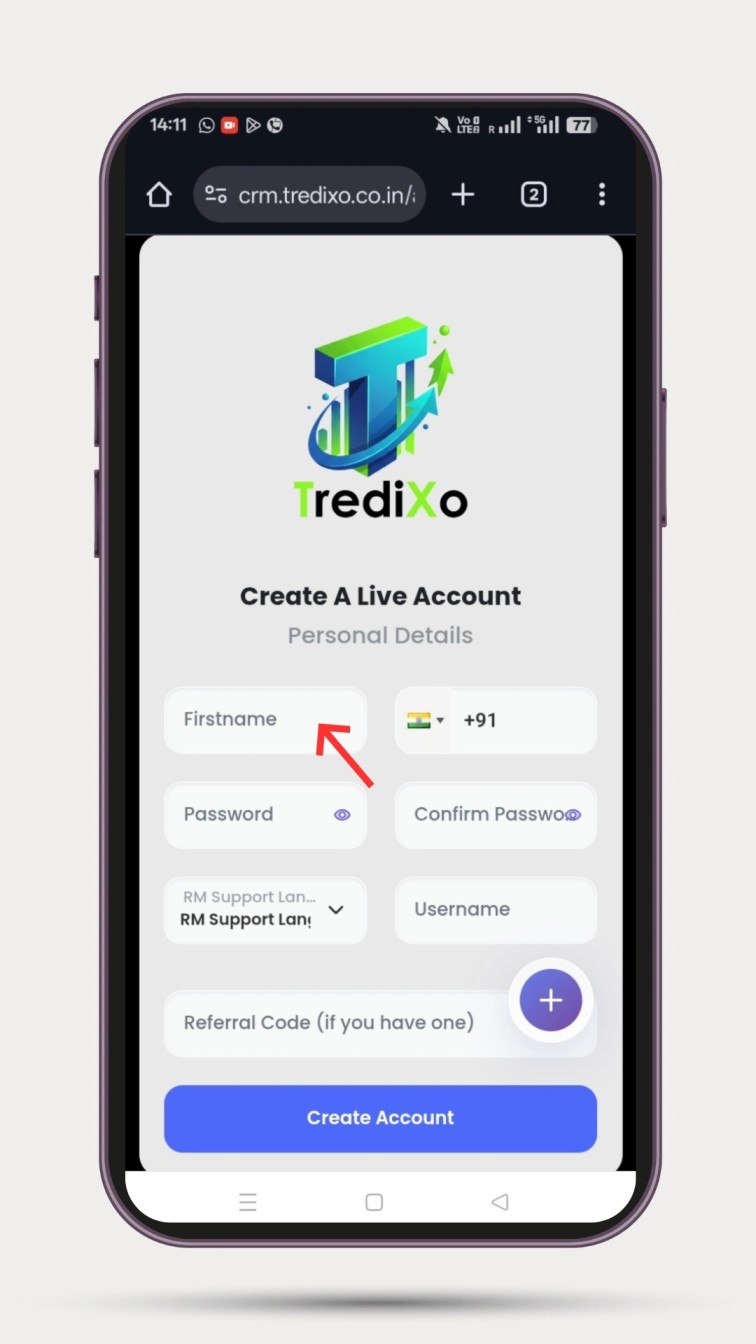
- Enter your Full Name, Username, Mobile Number, and Password.
Make sure to choose a strong password that’s difficult to guess to secure your account.
Once you’ve entered your details, click on the “Create Account” button.
Step 5: Verify Your Details
To complete the sign-up process, you’ll need to verify your identity. Tredixo sends an OTP (One-Time Password) to your registered mobile number for verification.
- Enter the OTP sent to your phone.
Once the OTP is validated, your account will be activated, and you’ll be able to access the app.

Step 6: Login & Start Trading 🚀
Congratulations! Your Tredixo account is now successfully created.
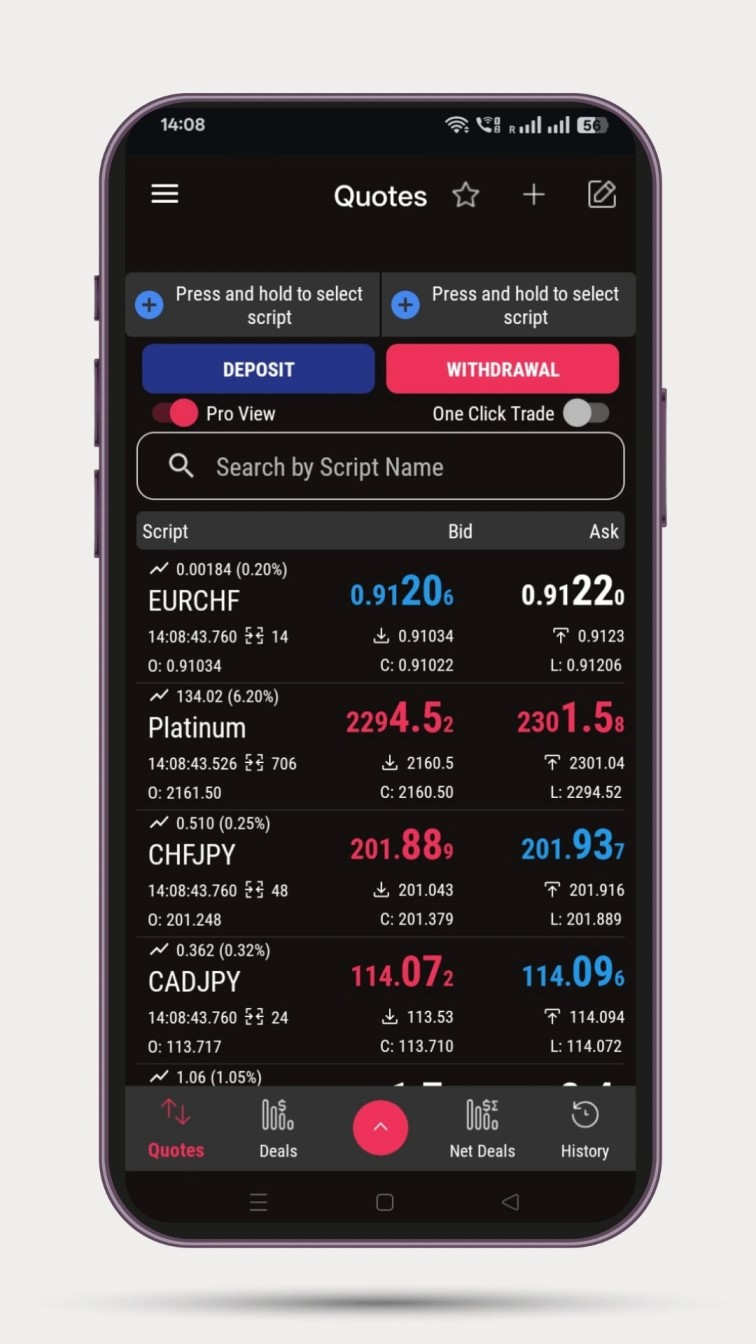
To log in, simply open the app and enter your Username and Password. After logging in, you’ll be able to access your account, deposit funds, and start trading right away.

Frequently Asked Questions (FAQs)
1. Is the Tredixo app available for iOS?
Currently, Tredixo is available for Android devices only through the Google Play Store. However, Tredixo is continuously expanding, and an iOS version may be released soon. Stay updated on the official website Tredixo for more details.
2. What should I do if I don't receive the OTP?
If you do not receive the OTP, ensure that your mobile number is entered correctly and that you have a stable network connection. You can also try requesting a new OTP after waiting a few minutes.
3. Is Tredixo safe to use?
Yes! Tredixo takes security seriously and uses encryption protocols to ensure that your personal information and transactions are protected. However, always make sure to use strong, unique passwords and enable additional security features such as two-factor authentication if available.
4. Can I use the Tredixo app without creating an account?
No, you need to create a Tredixo account to access the app and start trading. The sign-up process is simple and can be done within a few minutes.
Why Choose Tredixo?
Tredixo is one of the most trusted trading platforms for both beginners and experienced traders. Whether you're interested in stocks, forex, or cryptocurrency trading, Tredixo provides the tools and resources needed for successful trading.
Ready to dive into the world of trading? Download the Tredixo app now from the Google Play Store, create your account, and start your trading journey today!
Read major update here: Best indicators for MCX